Items · post-launch tracking
VerifiedMoonlighter 2 Relic and Loot Guide: What to Record
Moonlighter 2’s core loop turns dungeon loot into shop decisions. The Steam listing does not provide a complete item-price database, so the most useful post-launch guide is a versioned record of what you found, how risky the route was, and what customers did with it.
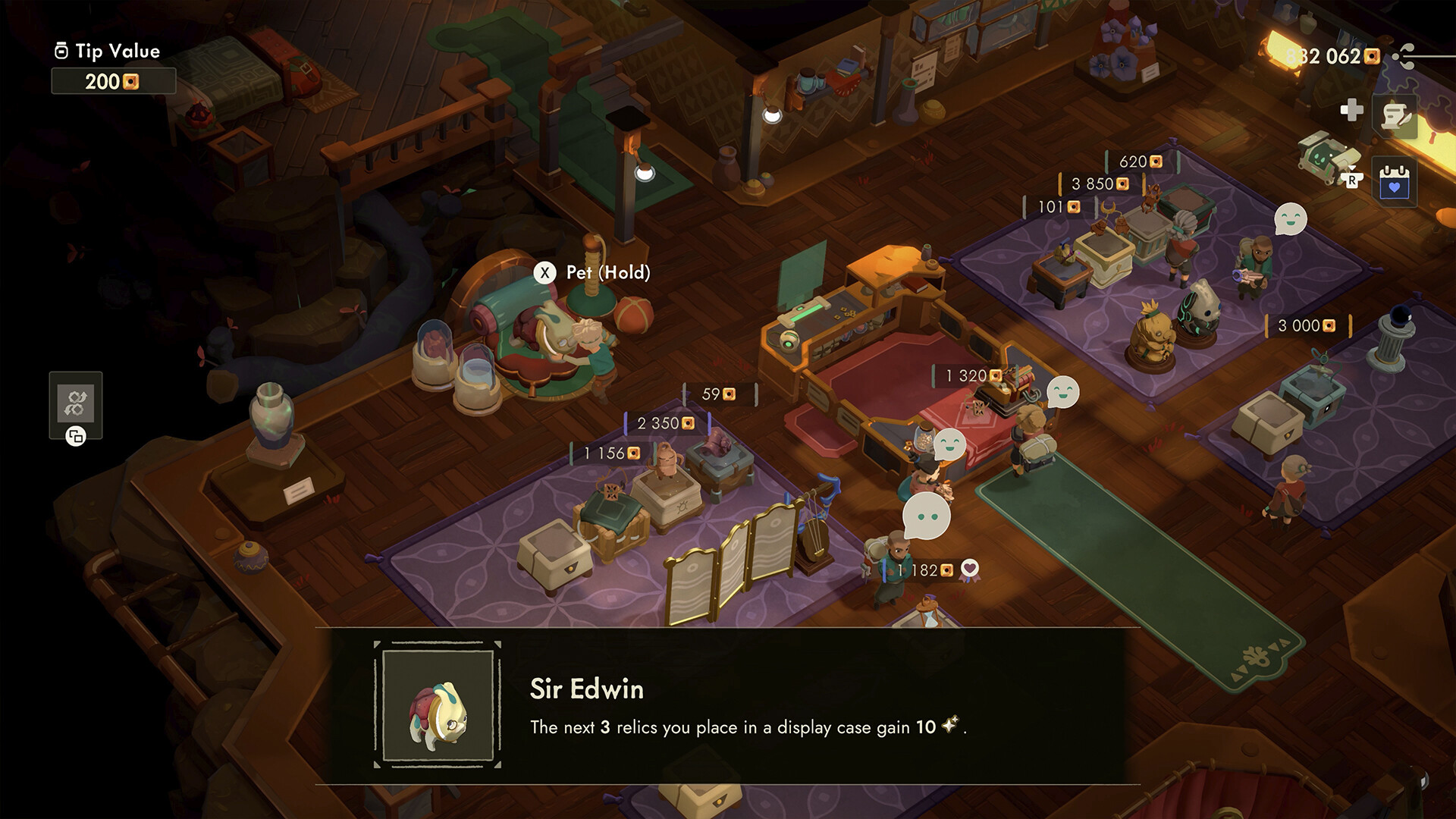
The five fields for every relic note
Record the displayed item name, the dungeon or run context, the backpack position, the listed or observed sale price, and the customer reaction. Add the game version when a patch could have changed an item or pricing rule.
Do not turn a category into a price table
The released store description confirms relic collection and player-set pricing, but not a universal value for every item. A guide that gives one “best price” without the item, shop state, customer reaction and version is not a reproducible economy guide.
What to carry home
Prioritize a haul you can extract safely over a larger backpack that forces a risky final room. Keep one note for items that were lost, discarded or used for an upgrade; the missing value is part of the route decision.