Merchant systems
VerifiedMoonlighter 2 Shop Guide
The shop is not a separate menu from the adventure. Steam describes a merchant who returns from dangerous dimensions, arranges loot, reads customers, sets prices, uses special events, and invests in the village.
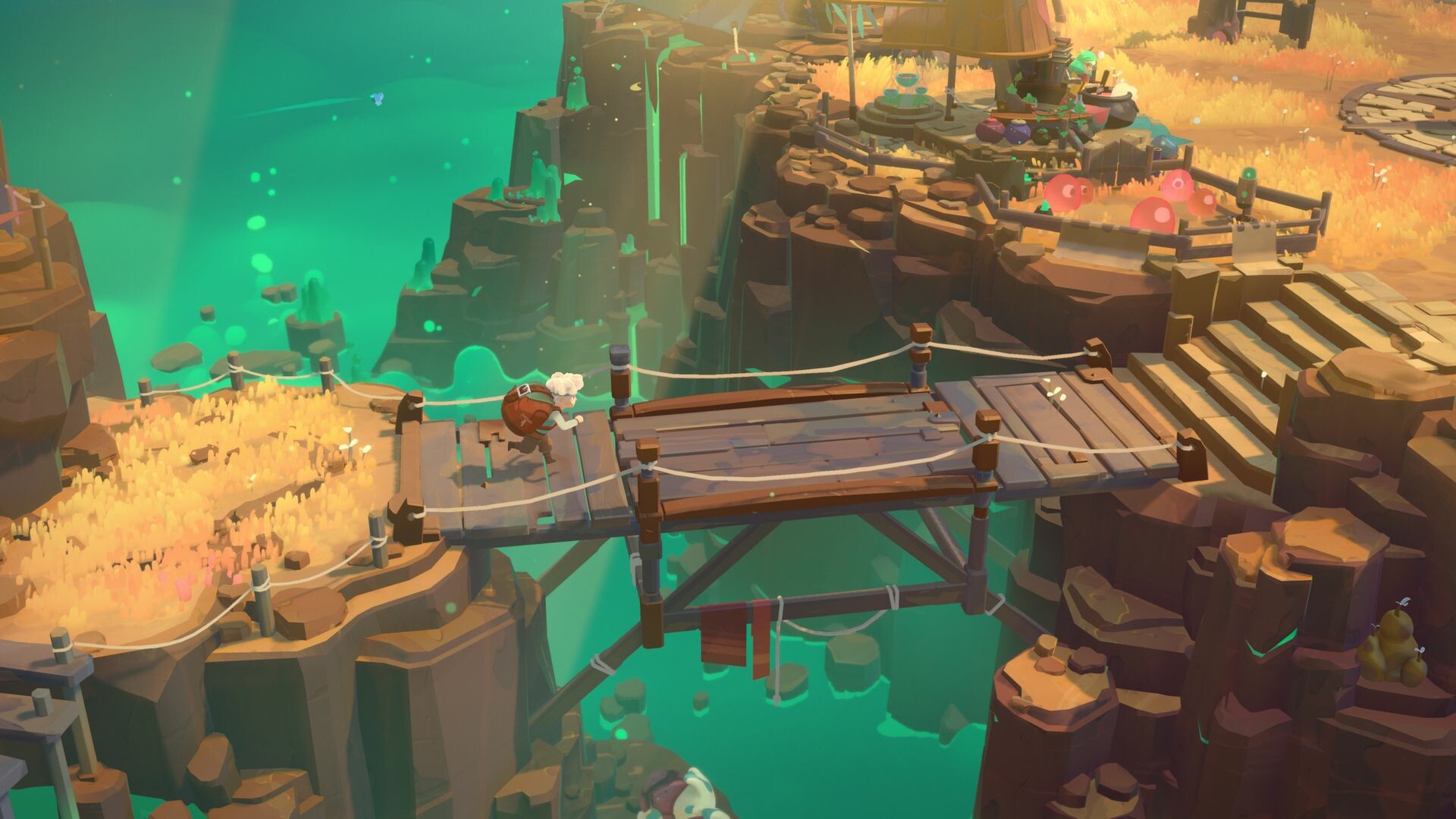
Moonlighter 2 Steam store screenshot. This image is used for identification and editorial context.
Price with customer feedback in mind
The Steam description explicitly says the player sets their own price and reads customers to score the perfect deal. That supports a test-driven price log, but not a single price formula until the released build can be measured.
- Record the displayed reaction instead of translating it into an assumed percentage.
- Keep special-event rows separate because Steam says events can build sales momentum.
- Compare results after shop decoration and perk changes rather than mixing all conditions together.
Shop and village progression
Steam says shop decorations and perks can improve sales momentum, while village investment unlocks better weapons, armor, and upgrades. The practical guide order is therefore run, sell, reinvest, then test the next run under the new condition.
Verified boundary
The categories are official. Exact decoration effects, perk names, unlock costs, and the best upgrade order still require hands-on data.
Shop Level 5 is the version 1.0 ceiling
Version 1.0 raised the shop ceiling by one level. The launch announcement names exactly two things Shop Level 5 adds: an additional Bloblet slot, and a new cosmetic placement slot for one more decoration.
It does not publish the unlock requirement, the unlock cost, or the total Bloblet count at that level, so treat the level as confirmed and the numbers around it as untested.
Related Moonlighter 2 guides
Sources and verification
Fact sources
| Status | Source | Used for | Checked |
|---|---|---|---|
| Platform | Moonlighter 2 Steam store pageValve / Steam | App id 2350790. Read September 3, 2026: the release field now shows Sep 2, 2026, the Early Access genre tag is gone, the listed genres are Action, Adventure and RPG, the platform is Windows, and the listing confirms Single-player, Steam Achievements, full controller support, Steam Cloud and Family Sharing. | |
| Official | Official Steam 1.0 launch announcement (September 2, 2026)Digital Sun / 11 bit studios | The launch-day post, “Moonlighter 2: The Endless Vault is Available Now!”, read September 3, 2026. It confirms the game is officially out of Early Access on PC with console versions available the same day, and describes the main story conclusion, the Infinite Endless Vault postgame, four Endless Weapon Aspects, Shop Level 5, the Bomb Path, Hardcore Mode, new vendors, cosmetics and Codex pages, and physical editions with Silver Lining Interactive on 13 November 2026. |